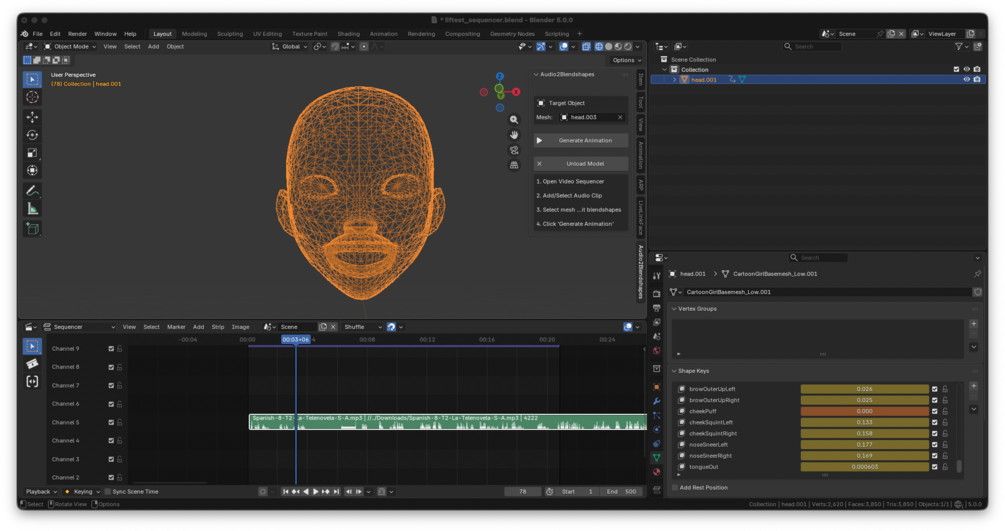
Blender Audio2Blendshapes Add-On

Generate lip-sync animations directly from audio clips in Blender. All processing is done locally — no account, subscription, or network access required.

How it works

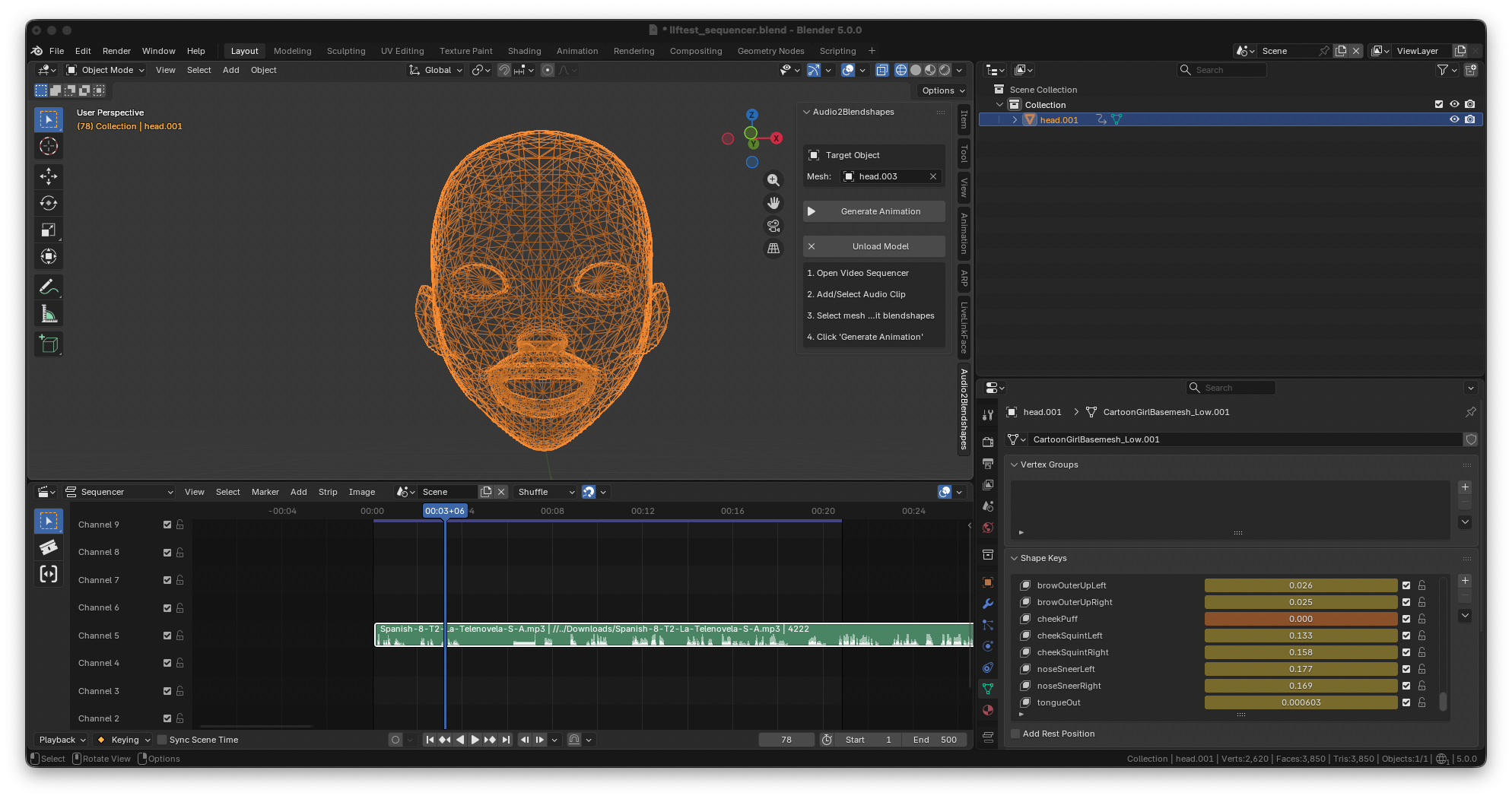
Drop an audio clip into the Blender video sequencer and generate ARKit blendshape keyframes for any rigged mesh. Supports multilingual audio with strongest performance in English and Mandarin Chinese.

Requirements

  • Blender 3.1–3.6 or 4.0–4.2
  • Mesh rigged with ARKit blendshapes
  • Audio file (WAV, MP3, etc.)
Free
  • Limited to first 5 seconds of audio clips
  • Generate ARKit blendshape keyframes
  • Multilingual audio support
  • All processing done locally
Full
  • Unlimited audio clip length
  • Generate ARKit blendshape keyframes
  • Multilingual audio support
  • All processing done locally
  • Buy once, own forever

Blender LiveLinkFace Add-On

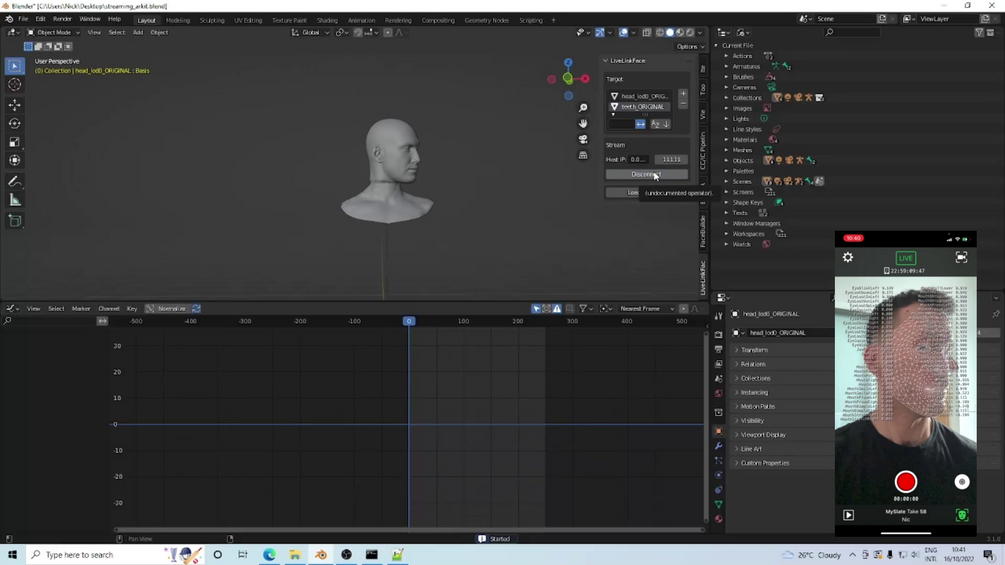
Stream ARKit blendshapes from the iPhone LiveLinkFace app directly into Blender. Drive shape keys and bones on any rigged mesh in real time.

Requirements

  • iOS device with TrueDepth camera (iPhone X or higher)
  • Live Link Face app (App Store)
  • Blender 3.1–3.6 or 4.0–4.2
  • Mesh rigged with ARKit shape keys and/or armature
Free
  • Stream all 52 ARKit blendshapes in real time
  • Drive shape keys and bones on any rigged mesh
  • Live viewport preview
  • Connect over local Wi-Fi — no cables
  • Preview only — no keyframe recording
Full
  • Stream all 52 ARKit blendshapes in real time
  • Drive shape keys and bones on any rigged mesh
  • Record to Blender PRO
  • Head rotation streaming
  • Rig retargeting PRO
  • Multi-character streaming
  • Buy once, own forever

Image2Expression Blender Add-On

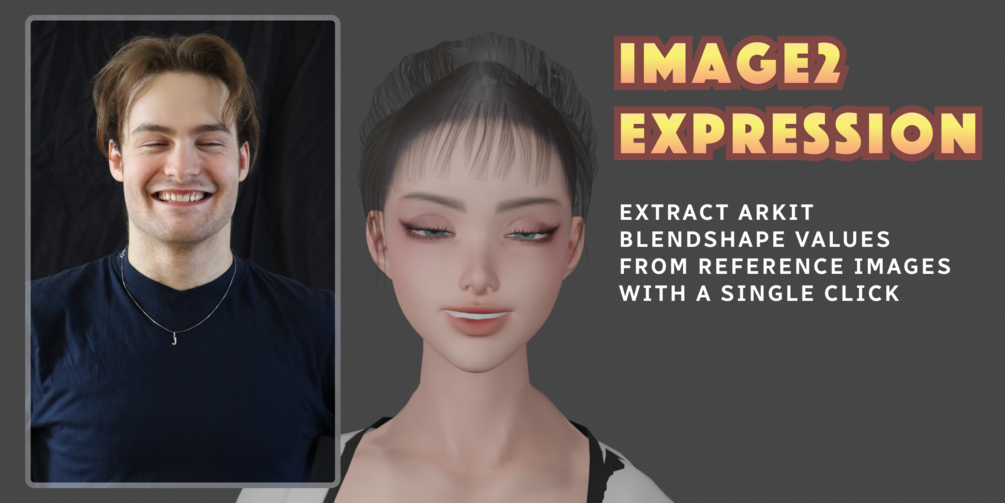
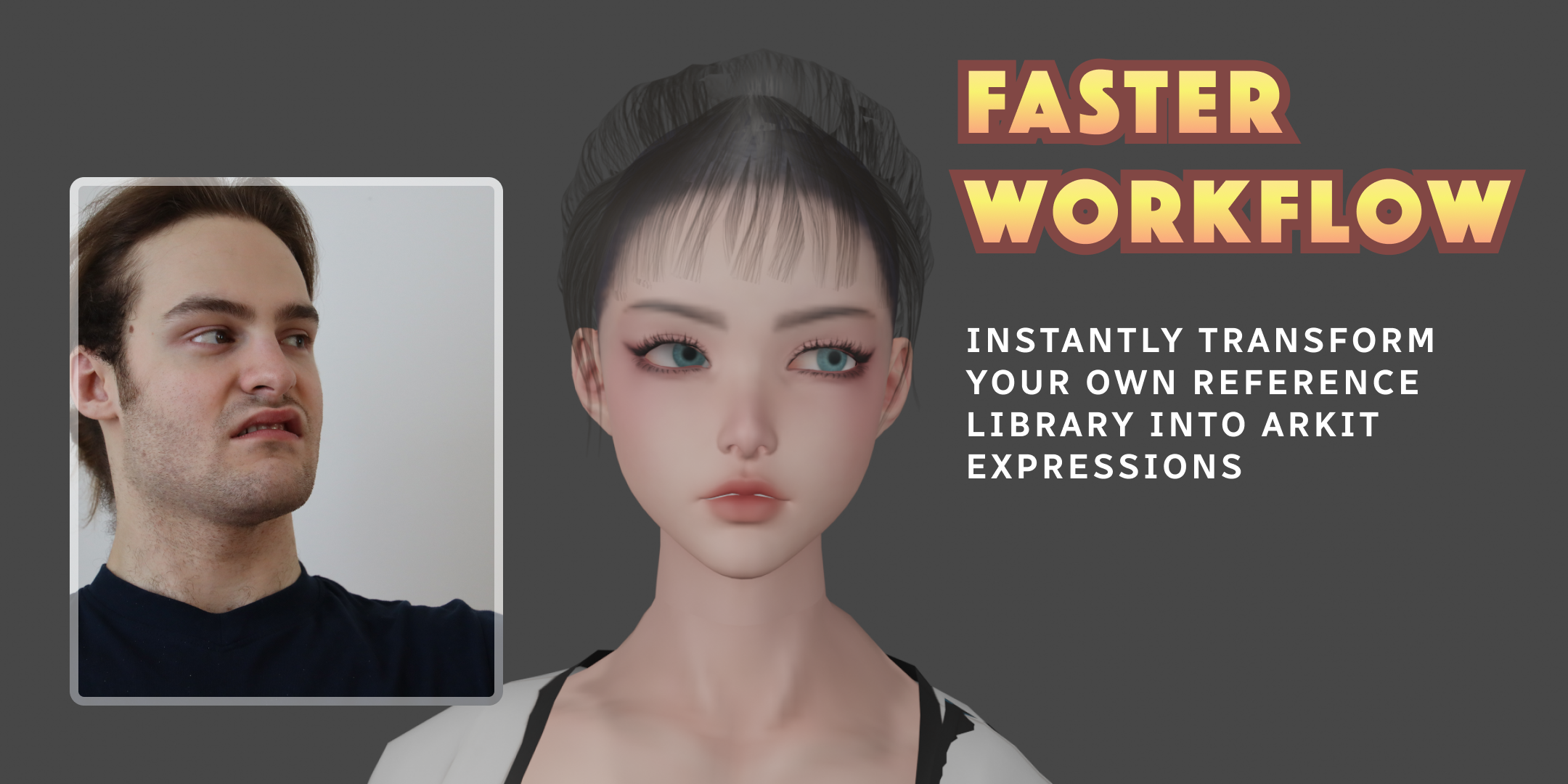
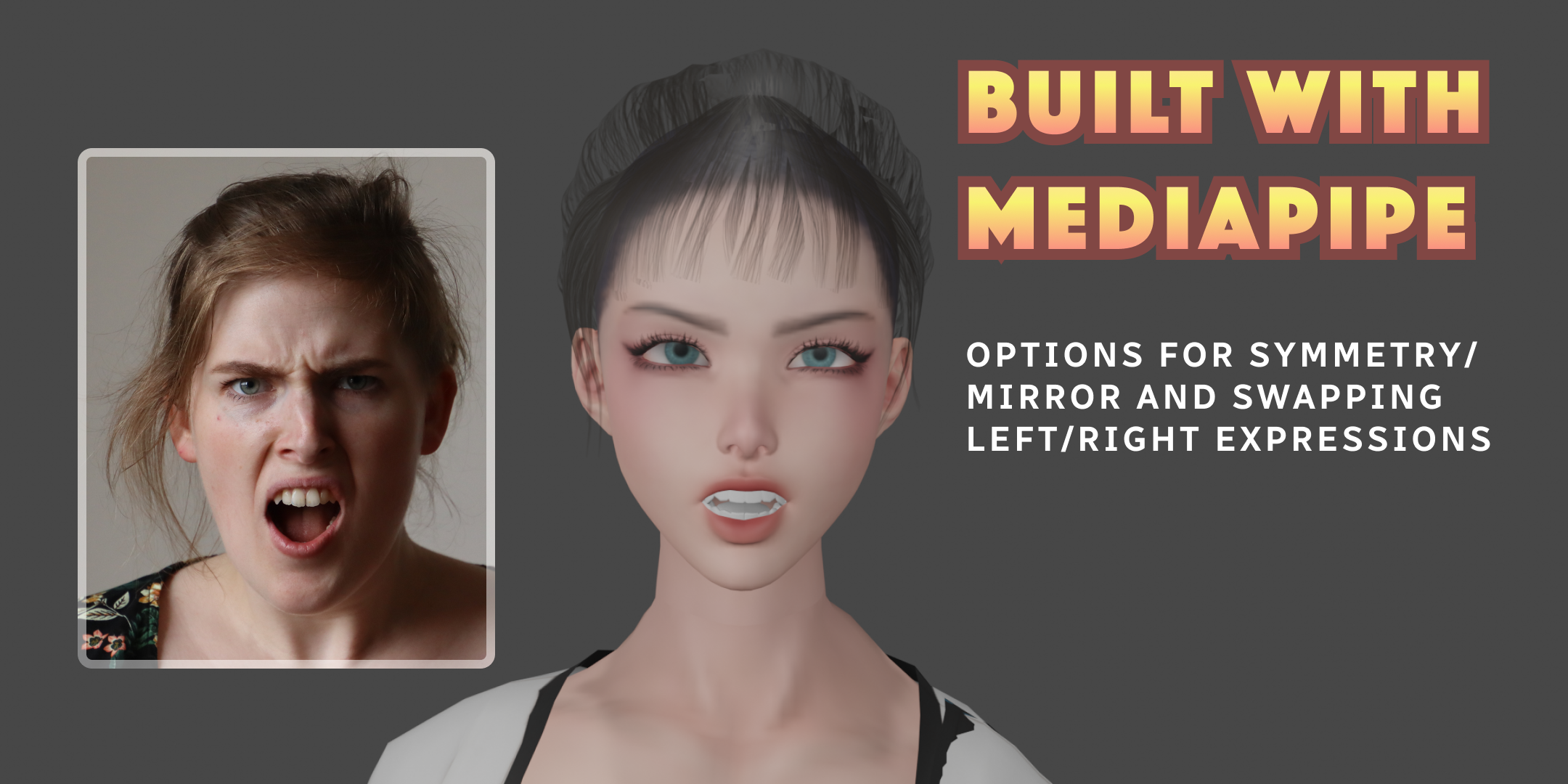
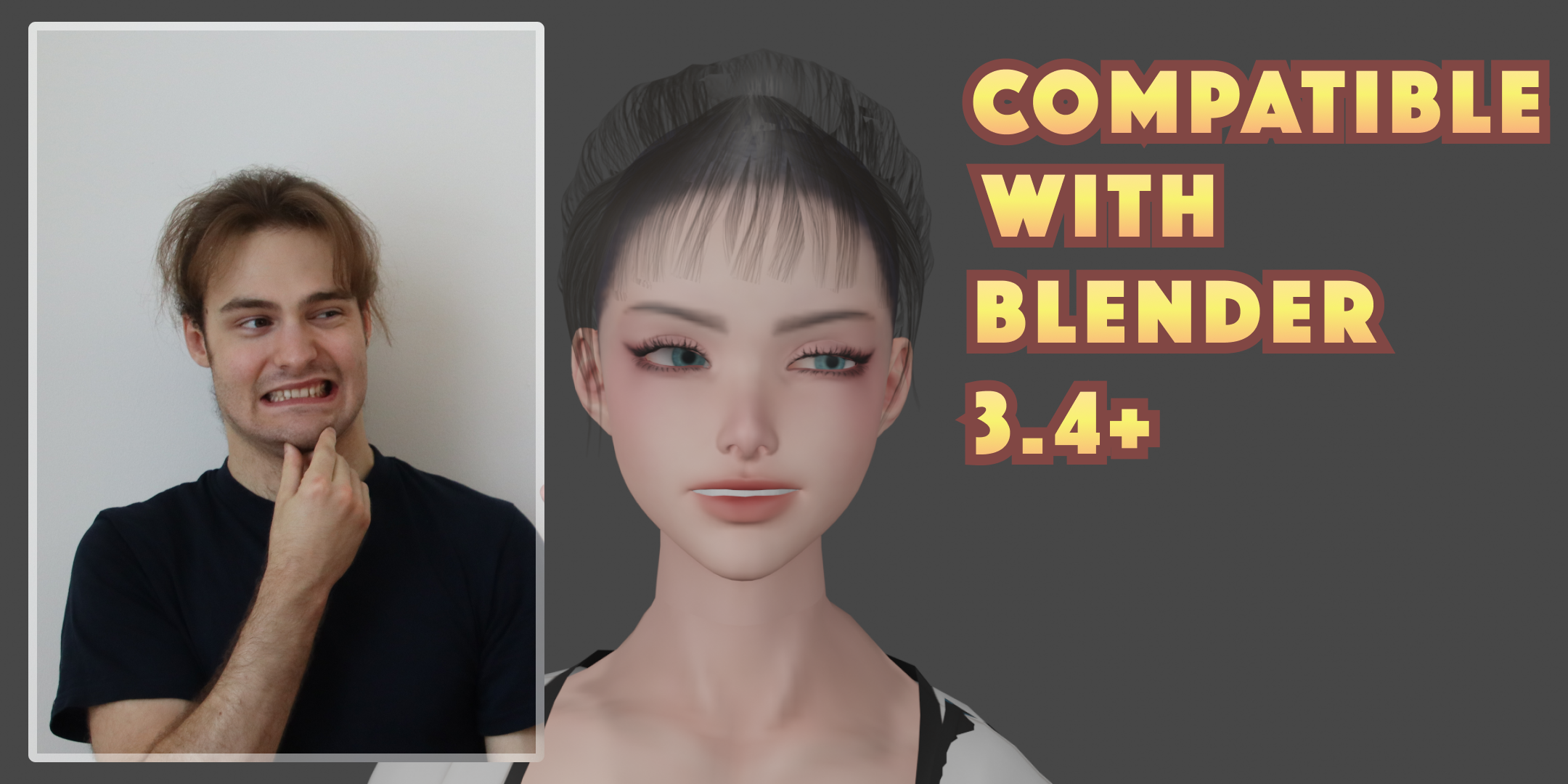
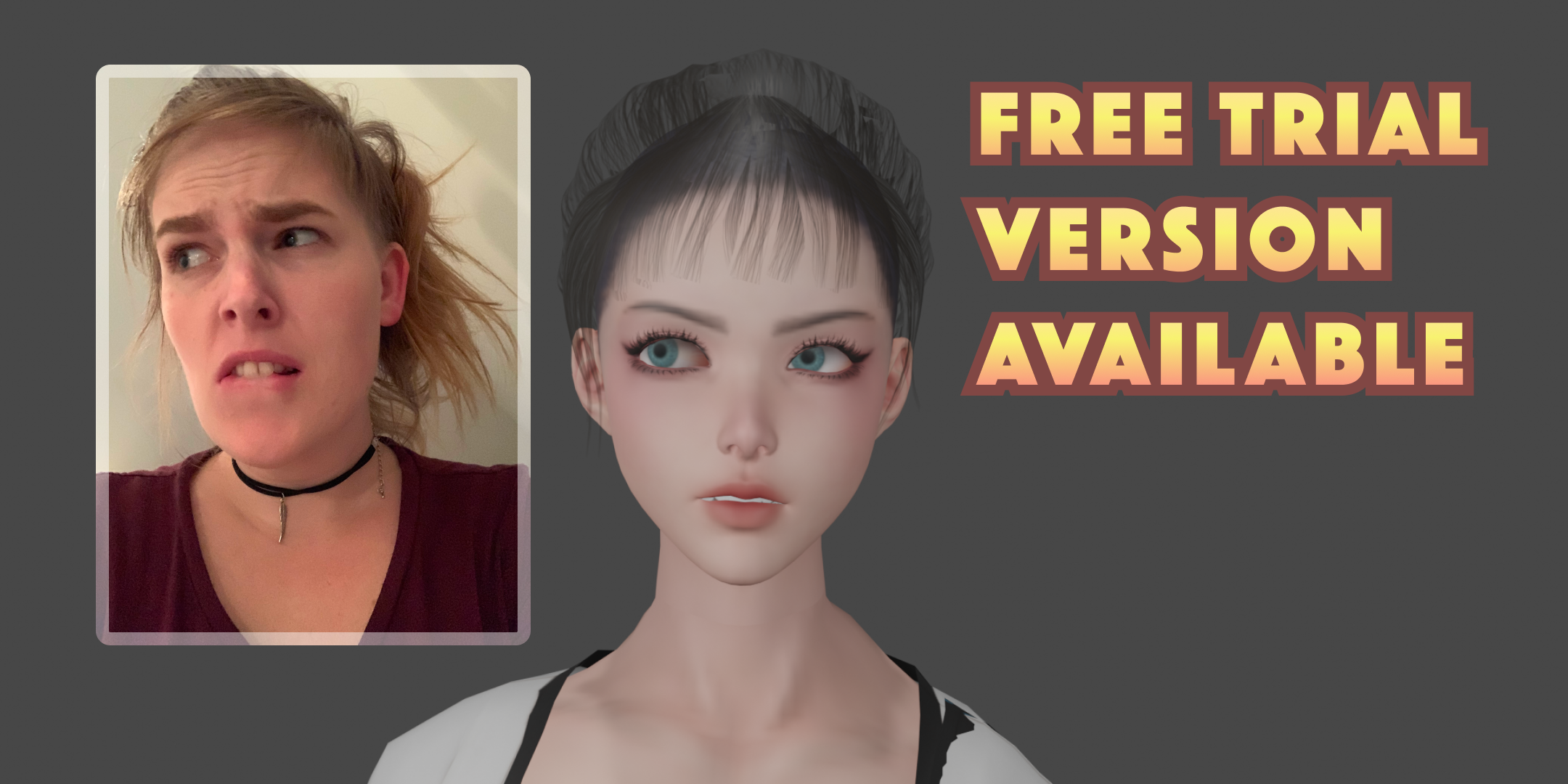
Extract facial expressions from images and apply them as blendshape keyframes to your rigged mesh in Blender. Point the add-on at a folder of reference images and generate expression data automatically.

Trial
  • (add features here)
Full
  • (add features here)